
Download PDFrizator – PDF presentation, image to PDF, online search, background music, automatic transitions, creative PDF
Overview
PDFrizator is a productivity-focused mobile application designed to simplify the creation of dynamic, multimedia-rich PDF presentations. Its core purpose lies in enabling users to transform static images into engaging, interactive documents with built-in automatic transitions and background music. This functionality makes it particularly useful for educators, content creators, marketers, and students who need to present visual content in a more dynamic format. By combining image-to-PDF conversion with presentation features, the app fills a niche in the digital content ecosystem where ease of use and creative expression are paramount.
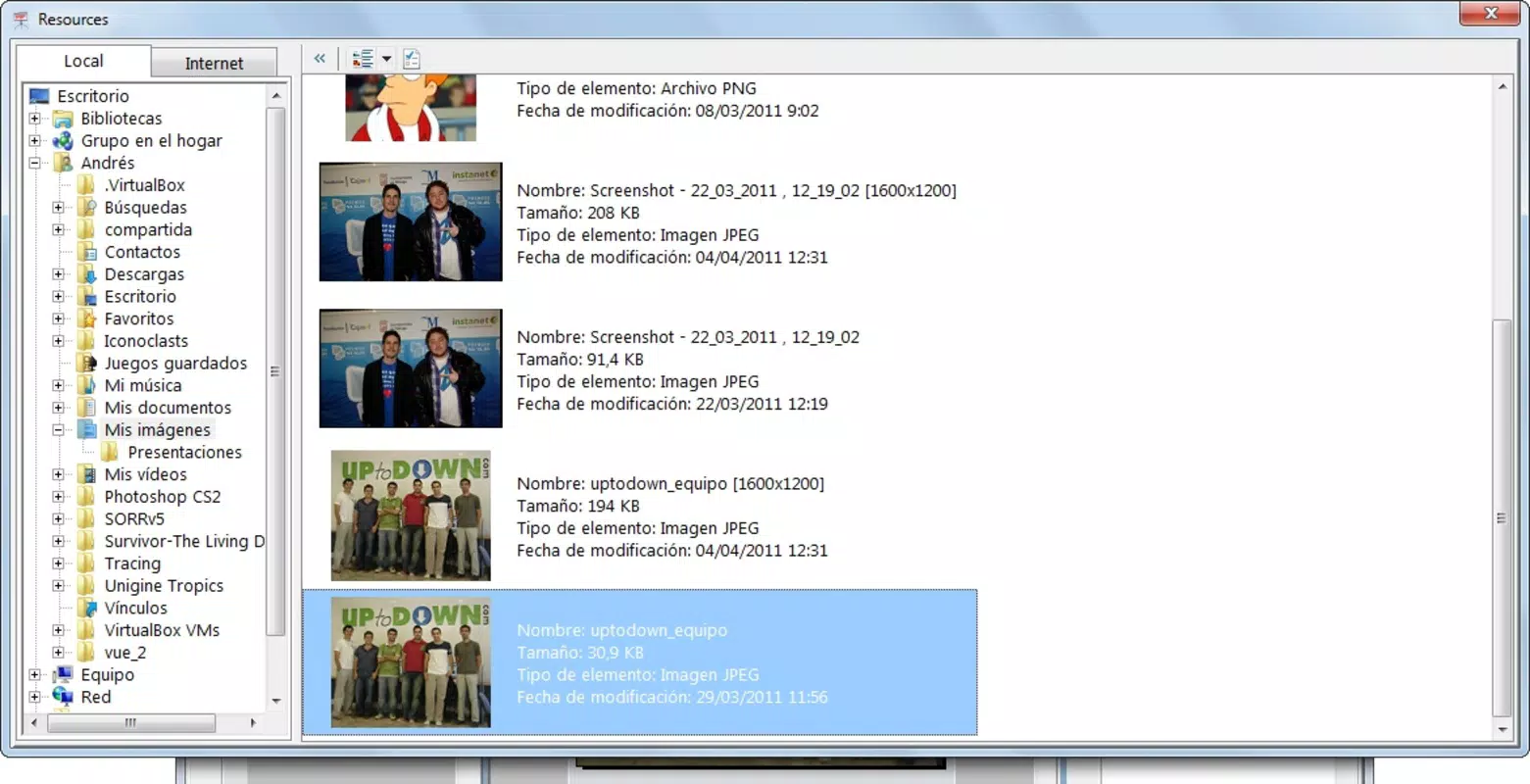
Users can compile image files from various formats—such as .gif, .jpg, .png, .tif, .cbr, and .cbz—into a single, cohesive PDF document, streamlining workflows for digital archiving and sharing. The integration with online search engines allows direct image discovery and import within the app, reducing the need for external tools and enhancing content curation efficiency. While the developer did not provide additional technical details about the app’s background processes or server-side operations, the inclusion of such features suggests a focus on user-centric design and seamless content creation.
Although the developer did not specify a target audience beyond general users, the app’s intuitive interface and multifunctional nature imply accessibility for both beginners and intermediate users. Real-world use cases include creating digital photo albums, educational slide decks, marketing materials, and visual reports. Its long-standing presence since 2011 indicates consistent functionality and reliability, contributing to its role as a dependable utility in the mobile productivity space.
Key Features & Functionality
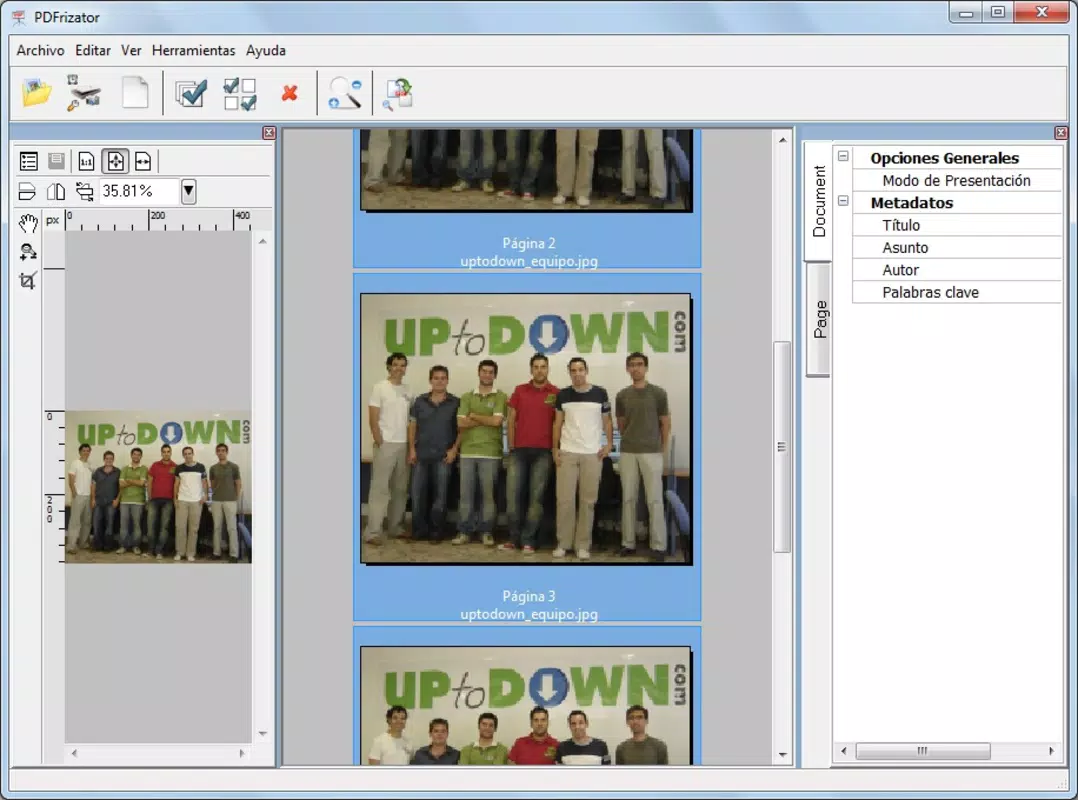
- PDF Presentation Creation: Users can build full-fledged presentations within the app, applying automatic transitions between slides to enhance visual flow and engagement. This feature is ideal for creating dynamic digital portfolios or classroom materials that go beyond static image sequences.
- Image-to-PDF Conversion: The app supports a wide range of image formats, including .gif, .jpg, .png, .tif, .cbr, and .cbz, allowing users to merge multiple images into a single, organized PDF file. This is particularly beneficial for digitizing physical photo collections or compiling visual content from different sources.
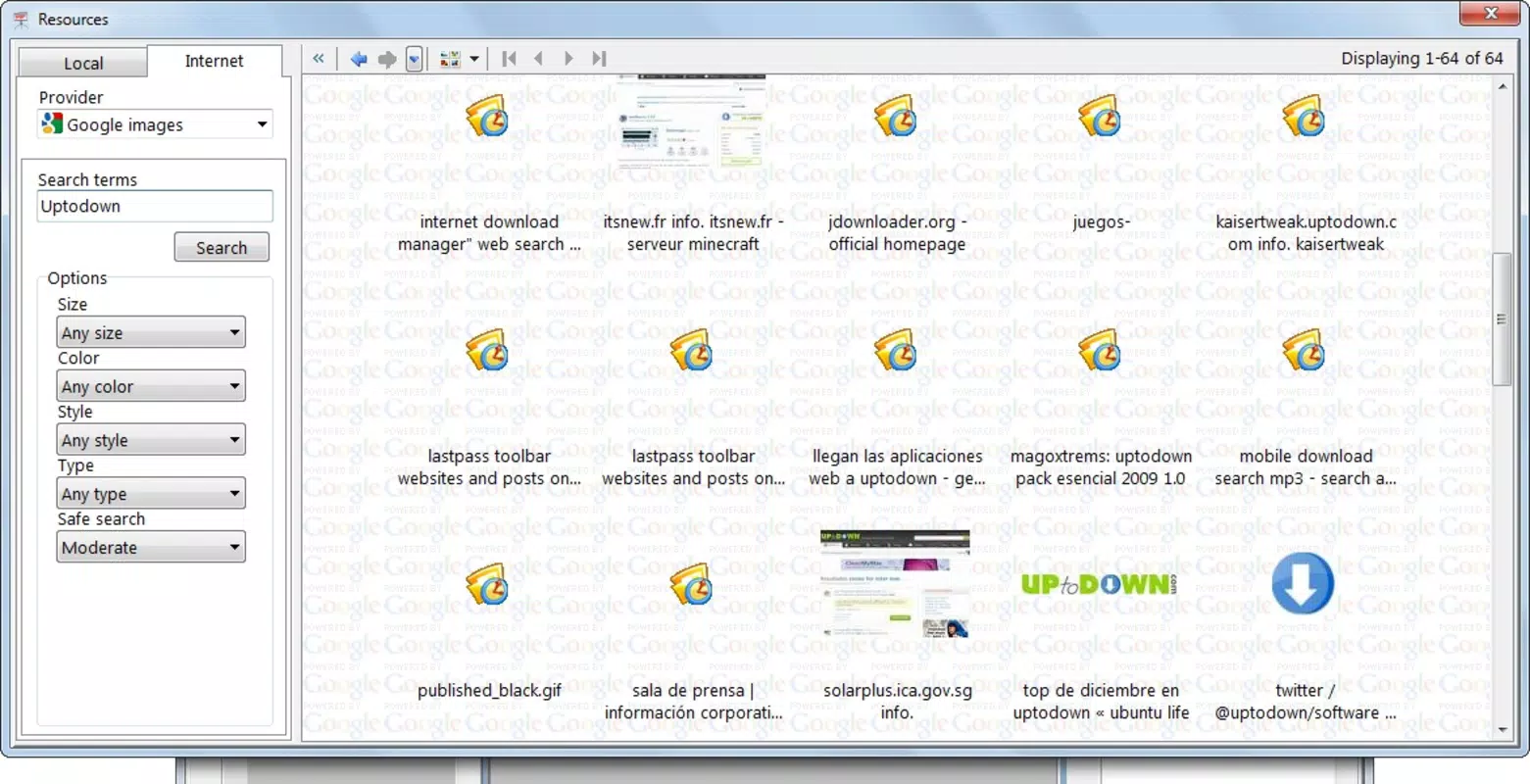
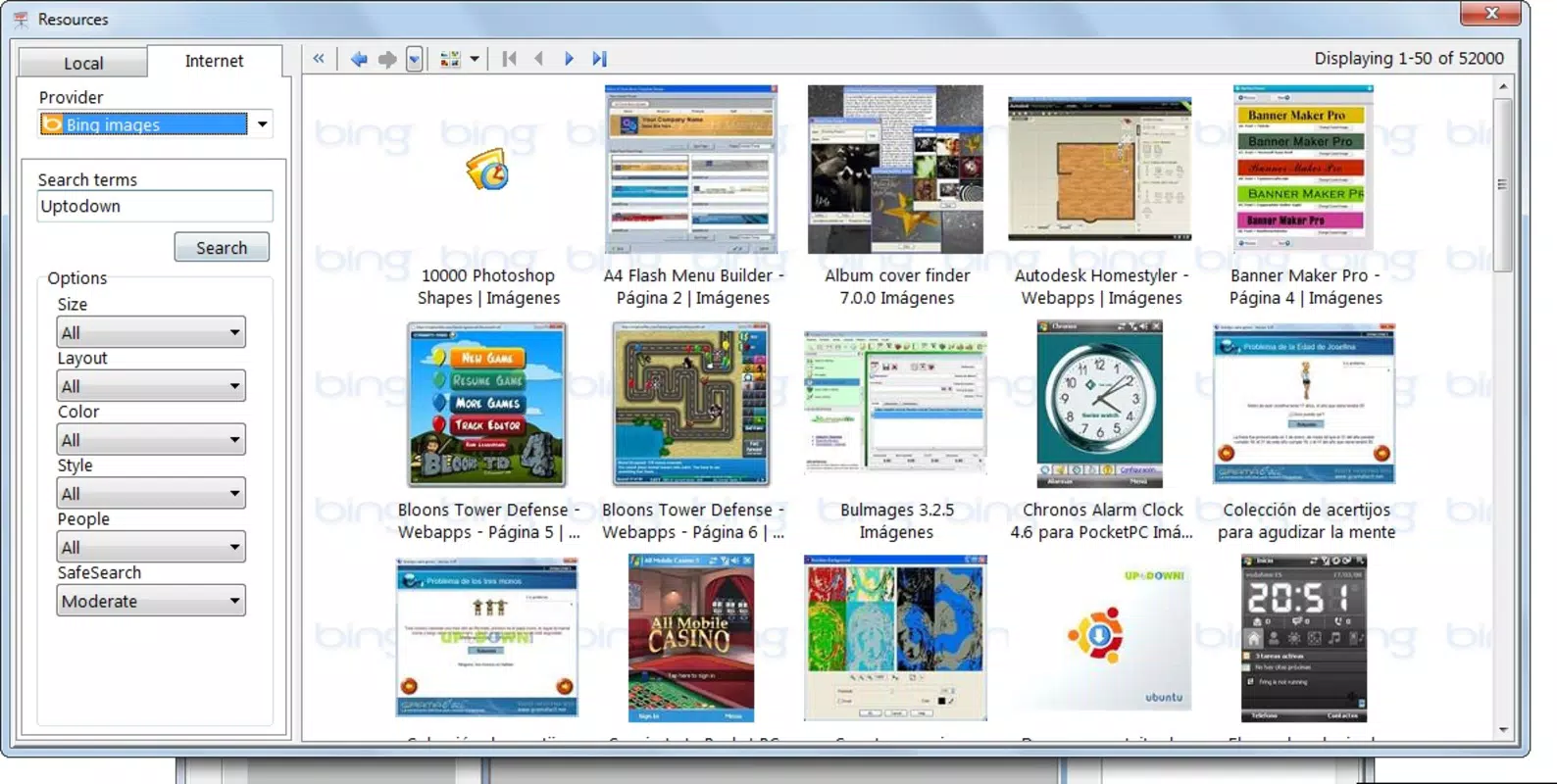
- Direct Image Import via Online Search: PDFrizator enables users to search for and download images directly from integrated online search engines without leaving the app. This feature streamlines the process of sourcing visuals, making it easier to build themed presentations or digital scrapbooks.
- Background Music Integration: Presentations can be enhanced with background music, allowing users to create immersive experiences. This functionality adds emotional context and pacing to visual content, ideal for storytelling or promotional materials.
- User-Friendly Interface: The app’s intuitive layout ensures that navigation is straightforward, even for users with minimal technical experience. Simple controls and clear visual feedback reduce the learning curve and support efficient content creation.
For example, a student preparing a project on wildlife could search for animal images directly in the app, compile them into a PDF, apply smooth transitions, and add ambient nature sounds to create a compelling presentation. Similarly, a small business owner could convert a series of product images into a professional-looking catalog with minimal effort.
Interface, UX & Performance
The user interface of PDFrizator is designed with clarity and simplicity in mind, prioritizing accessibility across different device categories. The layout follows a linear workflow, guiding users through image import, organization, and presentation customization. Visual elements are minimal yet functional, allowing content to remain the focal point. Navigation is consistent, with clearly labeled buttons and intuitive gestures for moving between steps.
Although the developer did not list formal performance metrics, the app’s lightweight file size of 11.3 MB suggests optimized resource usage. This makes it suitable for a wide range of Android devices, including older models with limited processing power and memory. Responsiveness appears to be adequate for basic operations such as image selection, slide ordering, and transition application, though complex multimedia handling may vary depending on device capabilities.
Stability is implied by the app’s long-standing presence since 2011, indicating that it has undergone consistent maintenance and refinement. However, specific details regarding crash rates, memory leaks, or update frequency were not disclosed. Users should expect standard behavior for a productivity tool of this nature, with performance largely dependent on the device’s hardware and Android version.
Platform Compatibility & Technical Requirements
PDFrizator is available exclusively on the Android platform. The current version is 2.3.1, released on November 2, 2011. The app has a file size of 11.3 MB, which is relatively small and suitable for devices with limited storage capacity. This compact size supports quick downloads and minimal impact on device performance.
The developer did not specify minimum OS requirements or compatibility details for newer Android versions. As such, users should verify whether the app functions properly on their specific device and Android version. While the app has been available for over a decade, its compatibility with modern Android systems cannot be confirmed without official documentation. It may require compatibility mode or may not support features introduced in recent OS updates.
Pros and Cons
- Supports multiple image formats for conversion
- Enables automatic transitions and background music in presentations
- Includes direct online image search and import functionality
- Intuitive interface suitable for non-technical users
- Lightweight file size of 11.3 MB
- Release date indicates the app may lack modern UI/UX standards
- Compatibility with current Android versions not confirmed
- Developer did not provide detailed technical specifications
- No information on update frequency or future development
- Limited availability—only on Android platform
FAQ
Is PDFrizator free to download and use?
Yes, the app is available at no cost. There are no in-app purchases or subscription fees mentioned in the provided information.
Can I use PDFrizator on iOS devices?
Currently, the app is only available on the Android platform. There is no official version for iOS devices.
What image formats does PDFrizator support?
PDFrizator supports .gif, .jpg, .png, .tif, .cbr, and .cbz formats. These are commonly used for photos, comics, and digital illustrations.
How does the online image search feature work?
The app integrates with online search engines, allowing users to search for and download images directly within the application. This feature streamlines content creation by eliminating the need to switch between apps.
Is the app secure for downloading images?
While the app enables image downloads, the developer did not provide specific details about data encryption, privacy policies, or third-party data handling. Users should exercise caution when downloading content from external sources.
Final Thoughts + CTA
PDFrizator stands out as a unique tool in the mobile productivity landscape by merging image conversion with presentation capabilities. Its ability to create visually engaging PDFs with automatic transitions and background music offers a creative edge over standard PDF tools. Despite its age and lack of modern updates, the app remains functional and accessible for users seeking a simple, no-frills solution for digital content assembly.
It is particularly valuable for educators, students, and hobbyists who need to compile visual content into dynamic, shareable formats. While newer alternatives may offer more advanced features or updated interfaces, PDFrizator delivers consistent performance and core functionality without requiring a subscription or payment.
For those looking for a lightweight, free, and versatile tool to convert images into interactive PDFs, PDFrizator remains a viable choice. Download PDFrizator now and unlock a new way to present your visual stories.


